







A stormwater retention pond on our property had elevated levels of ammonia and we needed a solution to reduce the ammonia. It is a fairly remote site, with plenty of light. I worked with RPS Solar Pump specialist to verify the size and plan for placement of the aeration stones and ordered the equipment. The equipment was easy to assemble and intuitive. In less than a day we placed the equipment temporarily and immediately the system began working on a cloudy day. After a few days of testing, we installed it permanently as in the attached photo. It will need a full year of service before we know the effectiveness for ammonia reduction, but initially it looks very promising.
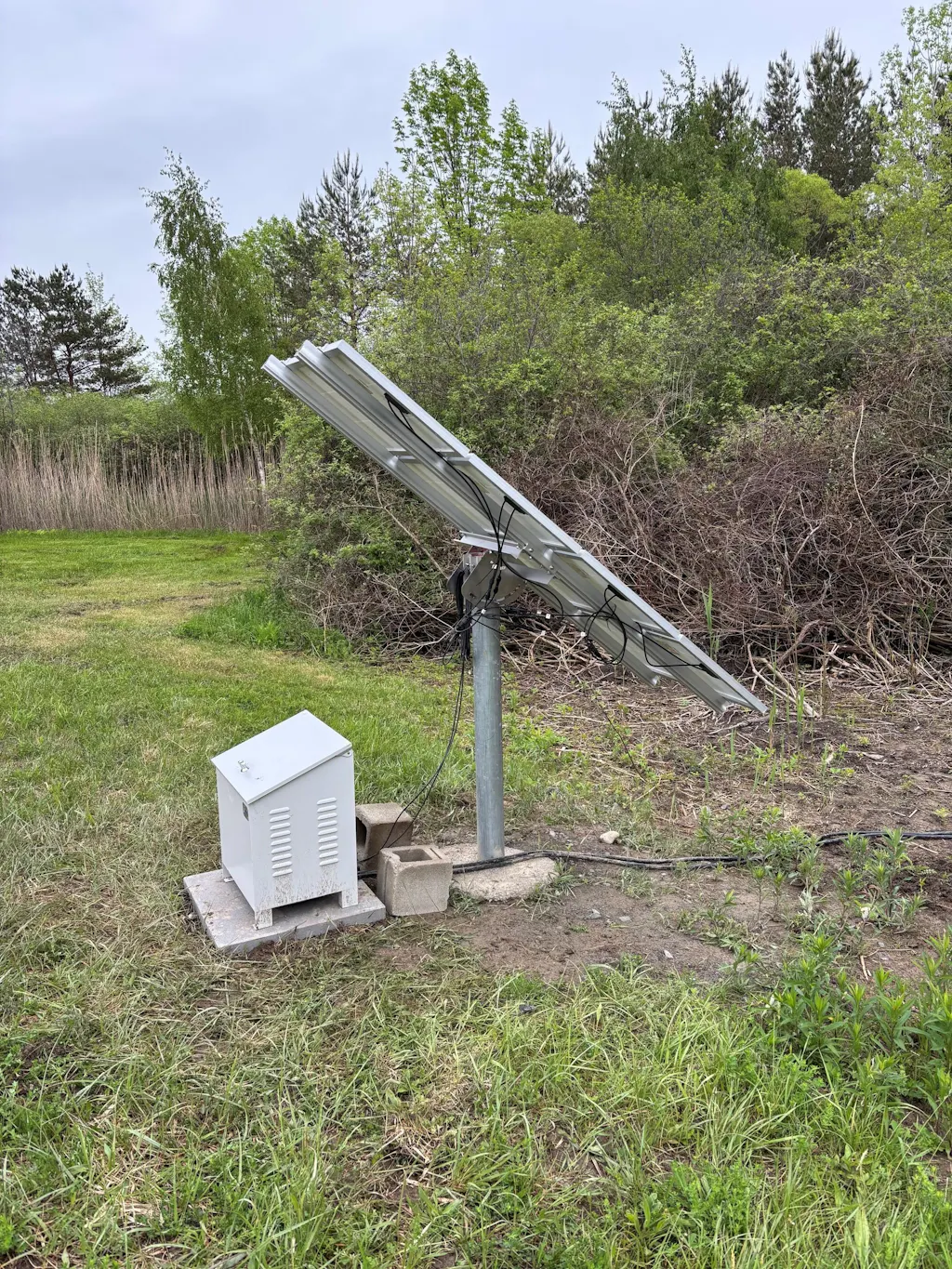
Thank you for the detailed review and for sharing your experience with the RPS AIR400!
We're glad our team was able to help verify the sizing and aeration stone placement for your stormwater retention pond. It’s great to hear the system was easy to assemble, intuitive to install, and began operating right away—even under cloudy conditions.
We also appreciate you sharing a photo of the final installation. We love seeing our systems in the field and learning about the unique applications our customers use them for.
While we understand it will take time to fully evaluate the impact on ammonia levels, we're encouraged to hear the early results are promising. Thank you for trusting RPS with your project, and we look forward to hearing how the system performs over the coming year!
We bought the 1600 watt pond fountain system for our pond to improve water quality and create an enjoyable visual element - sounds good too. I was hoping to install prior to my son's wedding at the pond, but with all the other preparations, I ran out of time and the system sat in my garage for well over a year, maybe two. After listening to my wife complain about another unfinished project clogging up her garage and an occasional check-in from RPS to see how I liked my new system, I embarked on this project. The instructions provided and videos were very clear and helpful. I bought 3 inexpensive solar racks that I put on wheels, and got the fountain completed. We absolutely love the fountain and the improvement to our water quality an aquatic life. My neighbors like it as well. Our pond is now an even more fun part of our farm. More importantly, RPS has the best customer service of any organization I have ever experienced. If I called after hours and hung up without leaving a message, they would always call me on Monday to make sure everything was OK. When my daughter-in-law rode her horse across my shallowed buried cables and tore things to shreds, I called RPS and they remembered me, my system, and helped me with the exact replacement parts I needed. These are genuinely good people who care about you and your satisfaction.
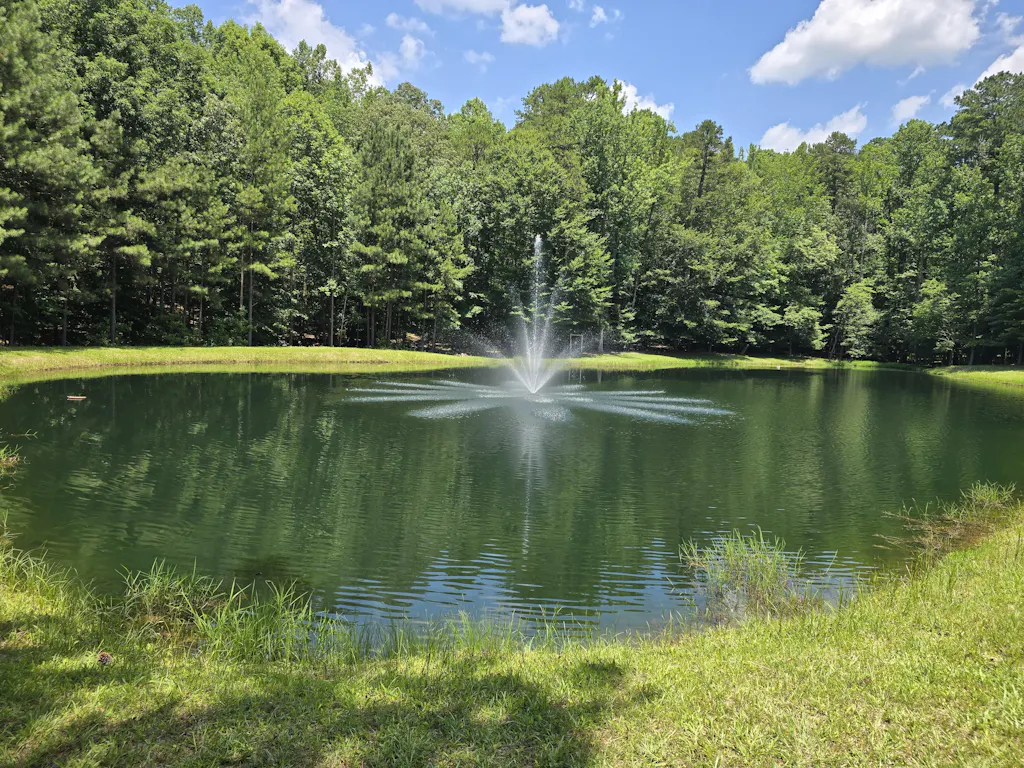
Thank you so much for this incredible review and for sharing your story with us! We truly enjoyed reading it.
It’s awesome to hear your pond fountain system has become such a valued part of your farm — from improving water quality and aquatic life to creating a beautiful visual centerpiece your family and neighbors can enjoy. We also got a good laugh imagining the “unfinished project in the garage” conversations that finally led to getting it installed!
Your creative solar rack setup sounds fantastic, and we’re glad the instructions and videos helped make the installation process manageable once the project got underway.
Most of all, your comments about our customer service genuinely mean the world to us. We work hard to treat customers the way we would want to be treated, and hearing that our follow-up, support, and help with replacement parts made a difference is incredibly rewarding for our team. Even the horse incident gave us a memorable story!
Thank you again for your support, your patience, and your kind words. Customers like you are exactly why we love what we do.
I have had my 400 series up and running for a week now, and am very pleased with my system. The 400 series was easy to install with the instruction and videos RPS provided.
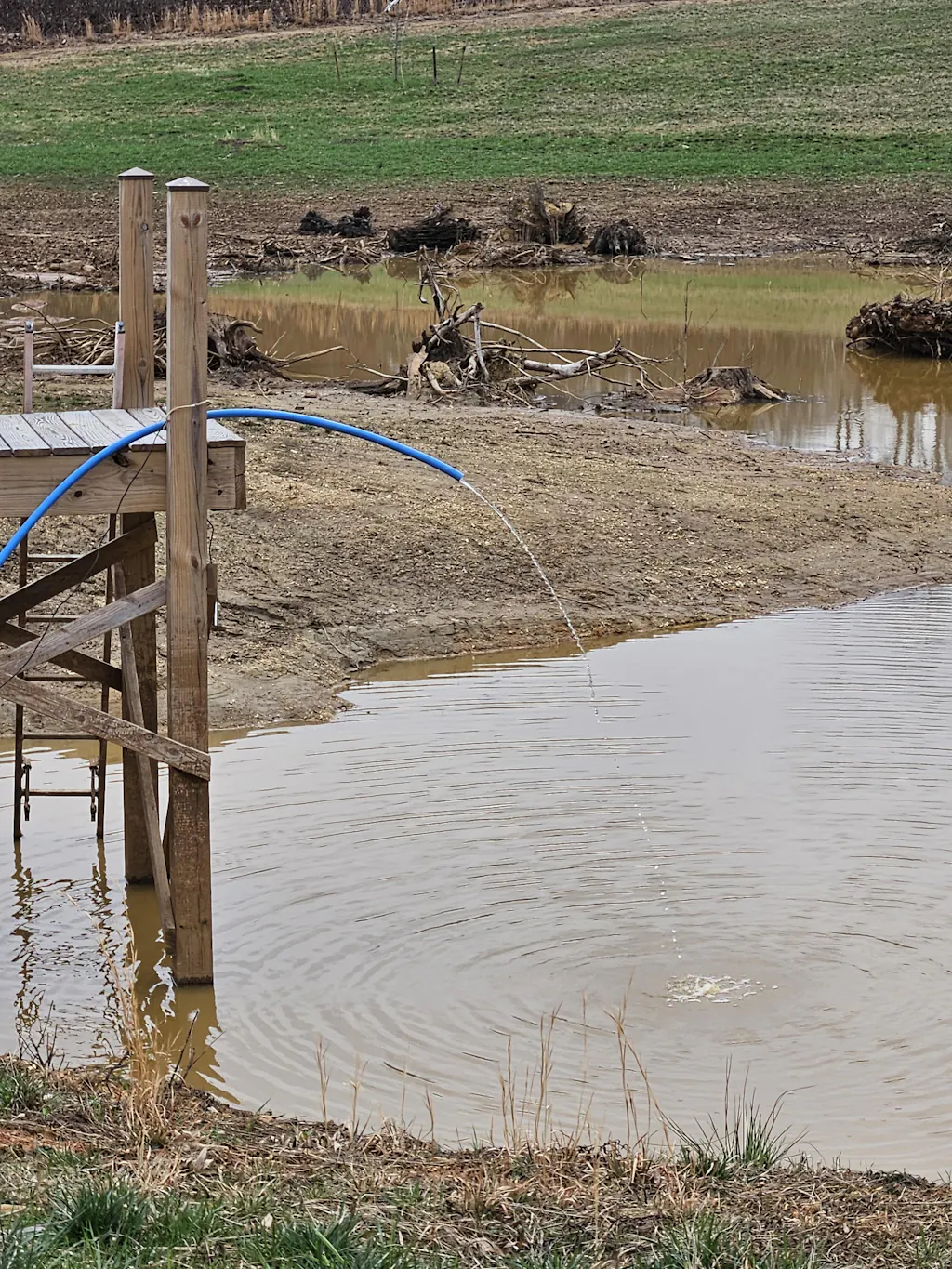
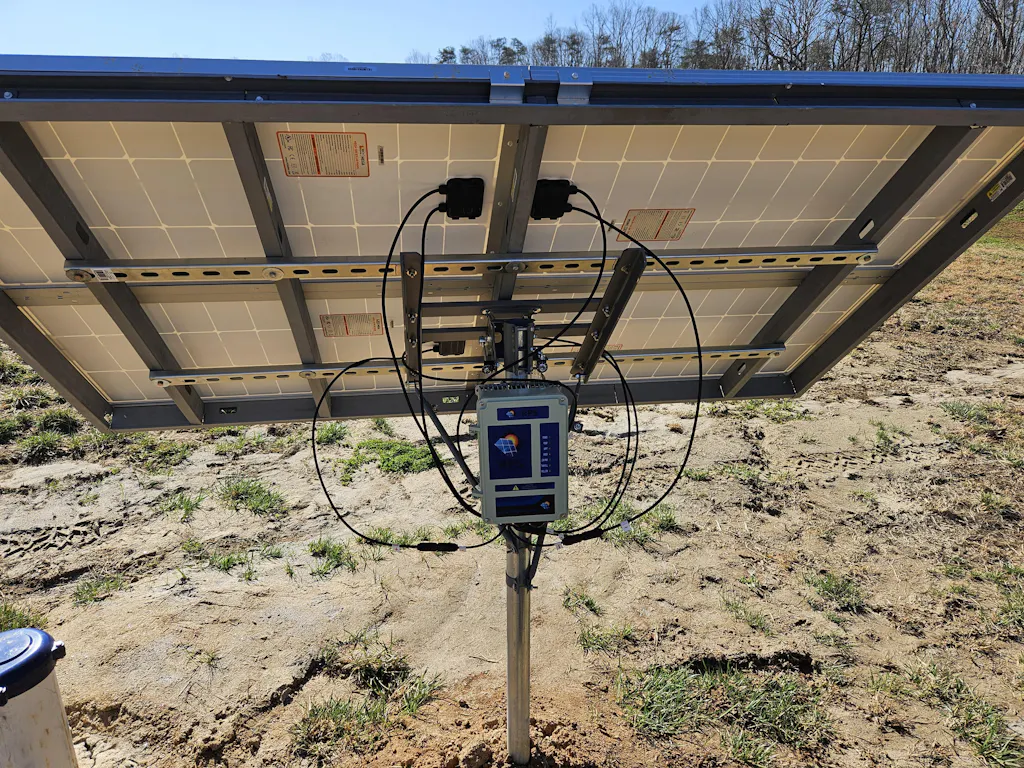
Thank you for the wonderful review—and for sharing the photos of your pond!
We’re thrilled to hear your 400 series system has been running smoothly and that the installation was straightforward with our instructions and videos. It’s always great to see our systems in action, and your pond looks fantastic!
We really appreciate you choosing RPS, and if you ever need anything down the road, we’re always here to help.
Couldn't be more pleased, we got the pro 1500 series pumping 690ft out of a river filling our pond. We used 2in pipe to decrease friction loss, Lots of water and working flawless!
I would definitely recommend getting the solar mounting kit, with alittle welding it mounts super easy to a trailer allowing us to move the pump and array around the property.
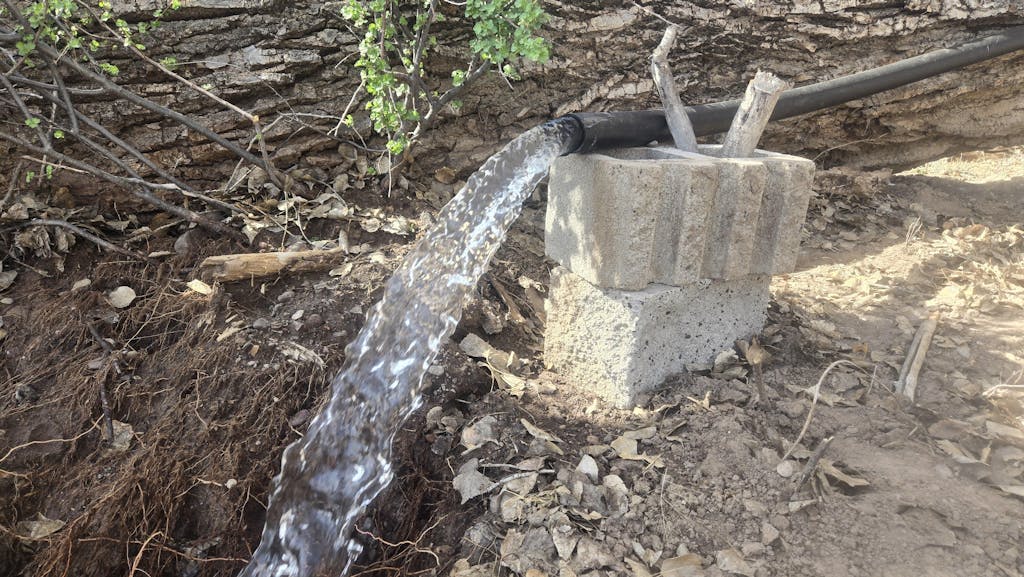
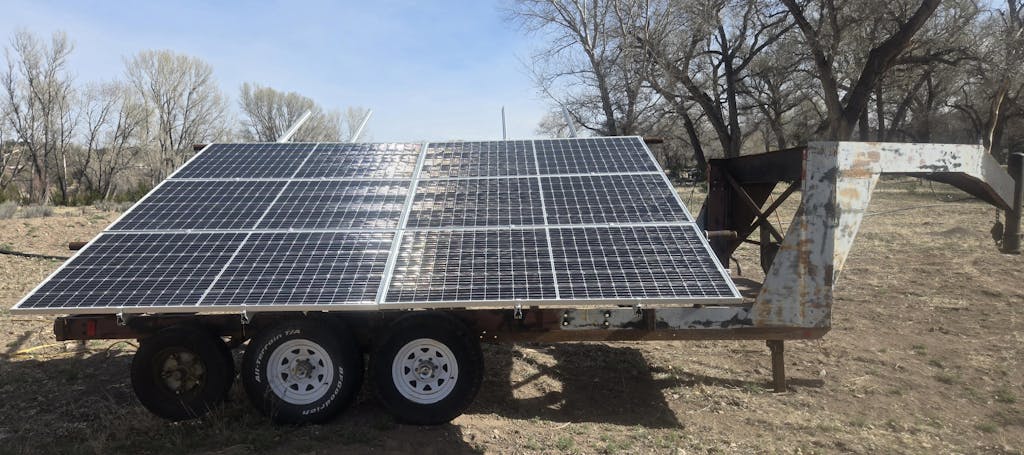
Thank you for the fantastic review and for sharing the photo! It’s awesome to see the Pro 1500 Series in action, pumping water 690 ft out of the river and filling your pond. Using 2' pipe to reduce friction loss clearly paid off — lots of water and flawless operation!
We also love your creative use of the solar mounting kit on a trailer — making the system mobile like that is exactly the kind of flexibility we hope to enable.
Thanks again for sharing your experience and recommendation. Your photo really helps others see the system in action, and we appreciate your support!
I have had an amazing experience dealing with RPS Solar. When you call or text, you speak to someone right there in Woodland, CA. I appreciate that so much. So far our system is working amazingly. Last year I ordered my system and realized that I needed a bigger pump. RPS staff were super helpful in helping me choose another pump. They bought back my original pump and sent me the new one in just a few days. Very fast shipping. I am getting almost double the gpm output now. Very impressed with this USA company and proud to support them.
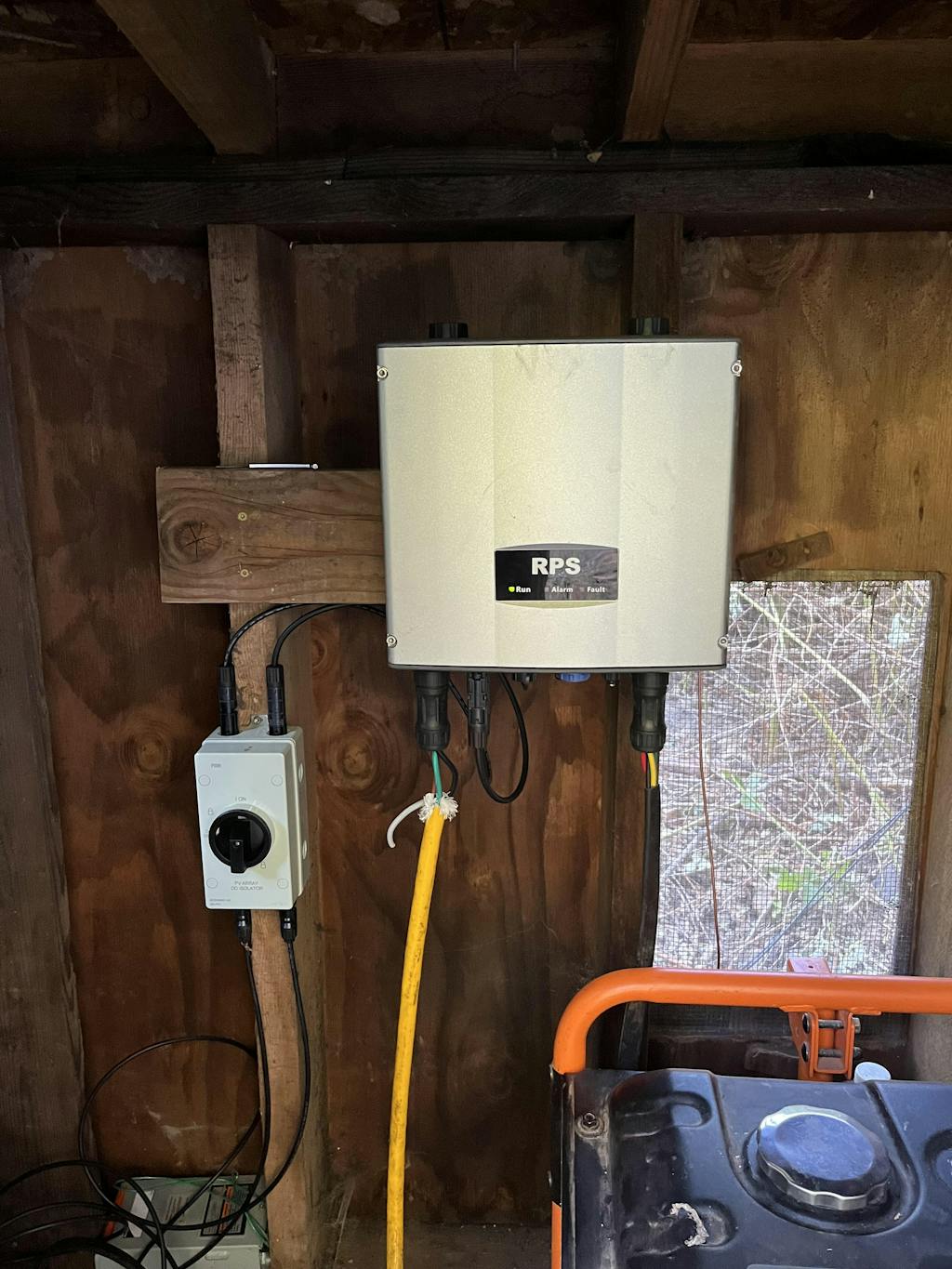
Thank you so much for the incredible review and for supporting RPS Solar Pumps! We truly appreciate you taking the time to share your experience.
It means a lot to hear that being able to call or text and connect directly with our team in Woodland, CA made a difference. We believe real support from real people matters, and we’re glad that came through.
We’re especially happy we could help you upgrade to the pump that better fit your needs. Getting nearly double the GPM output is fantastic — that’s exactly the kind of result we love to see! Thank you as well for working with us through the exchange process; we’re glad it was smooth and fast.
Your support of American manufacturing and small business truly means a lot to our entire team. If you ever need anything down the road, we’re always just a call or text away.